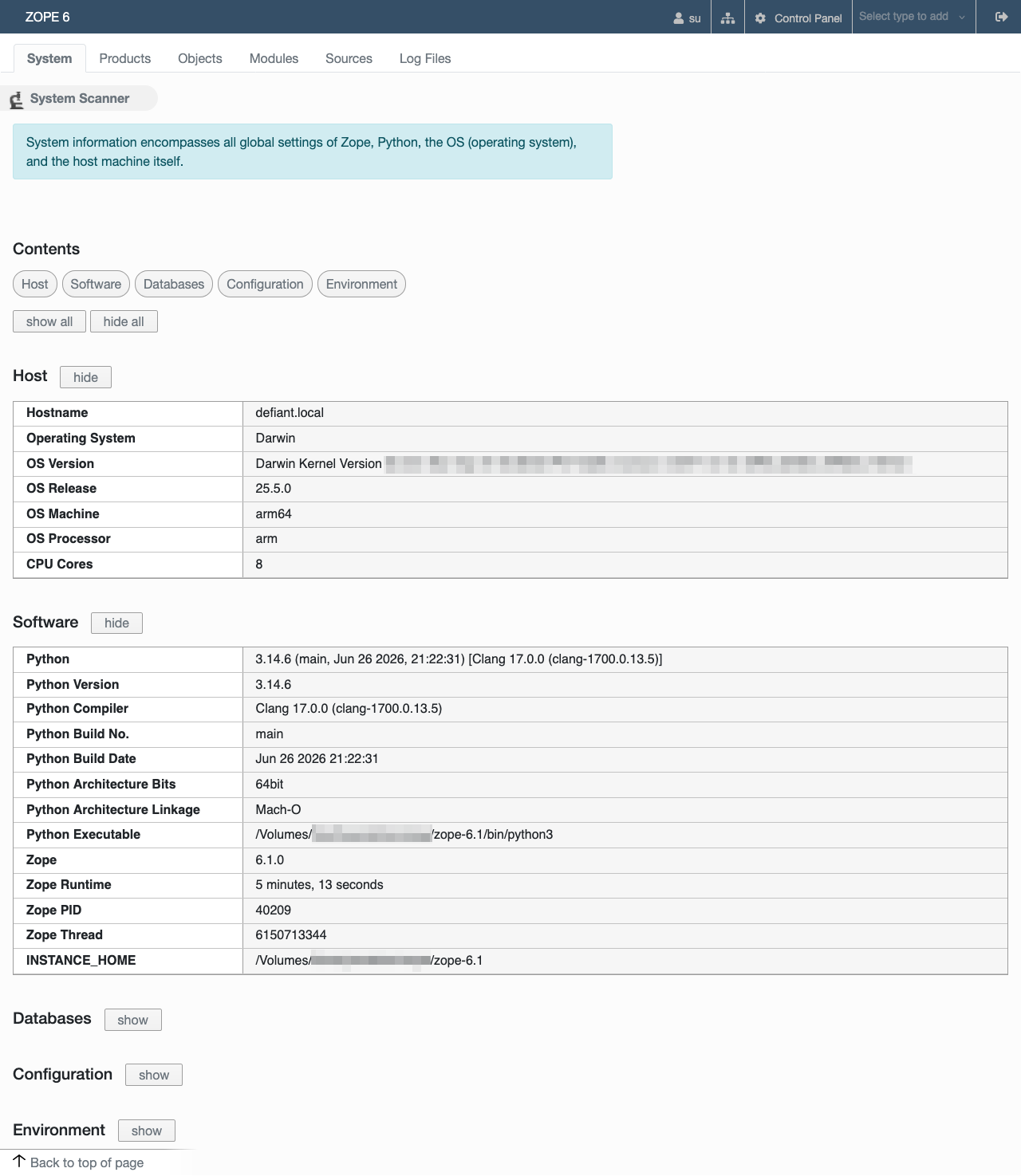
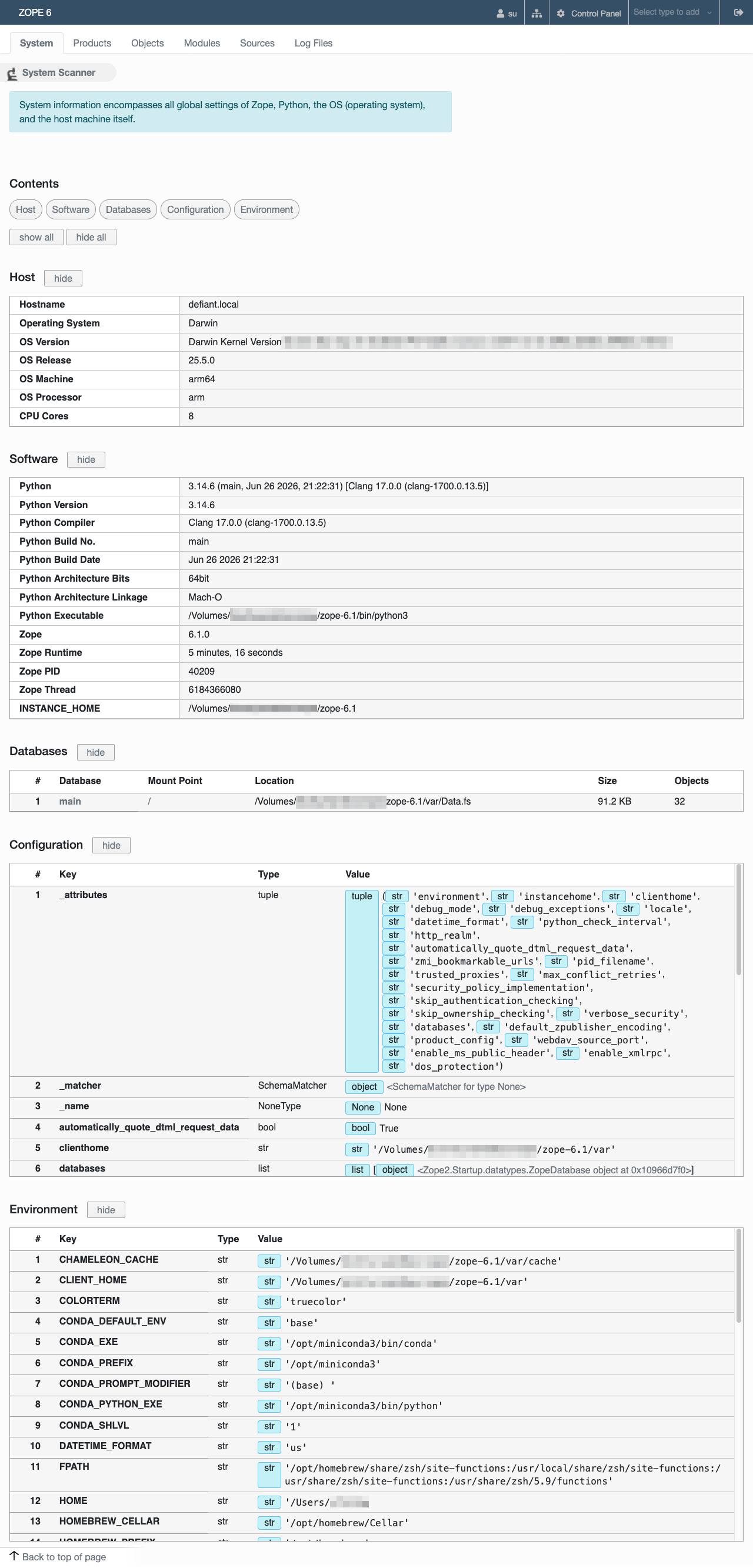
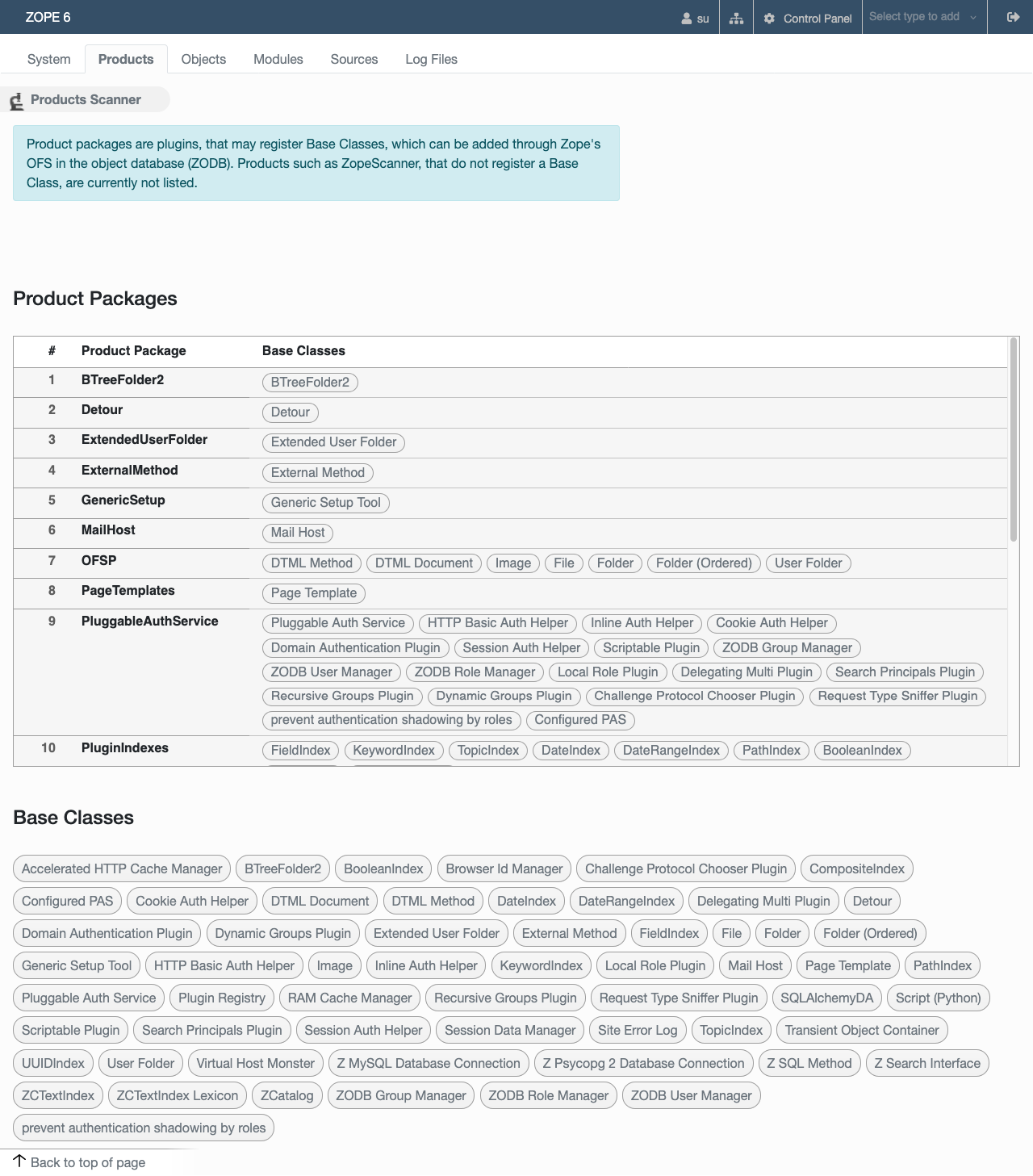
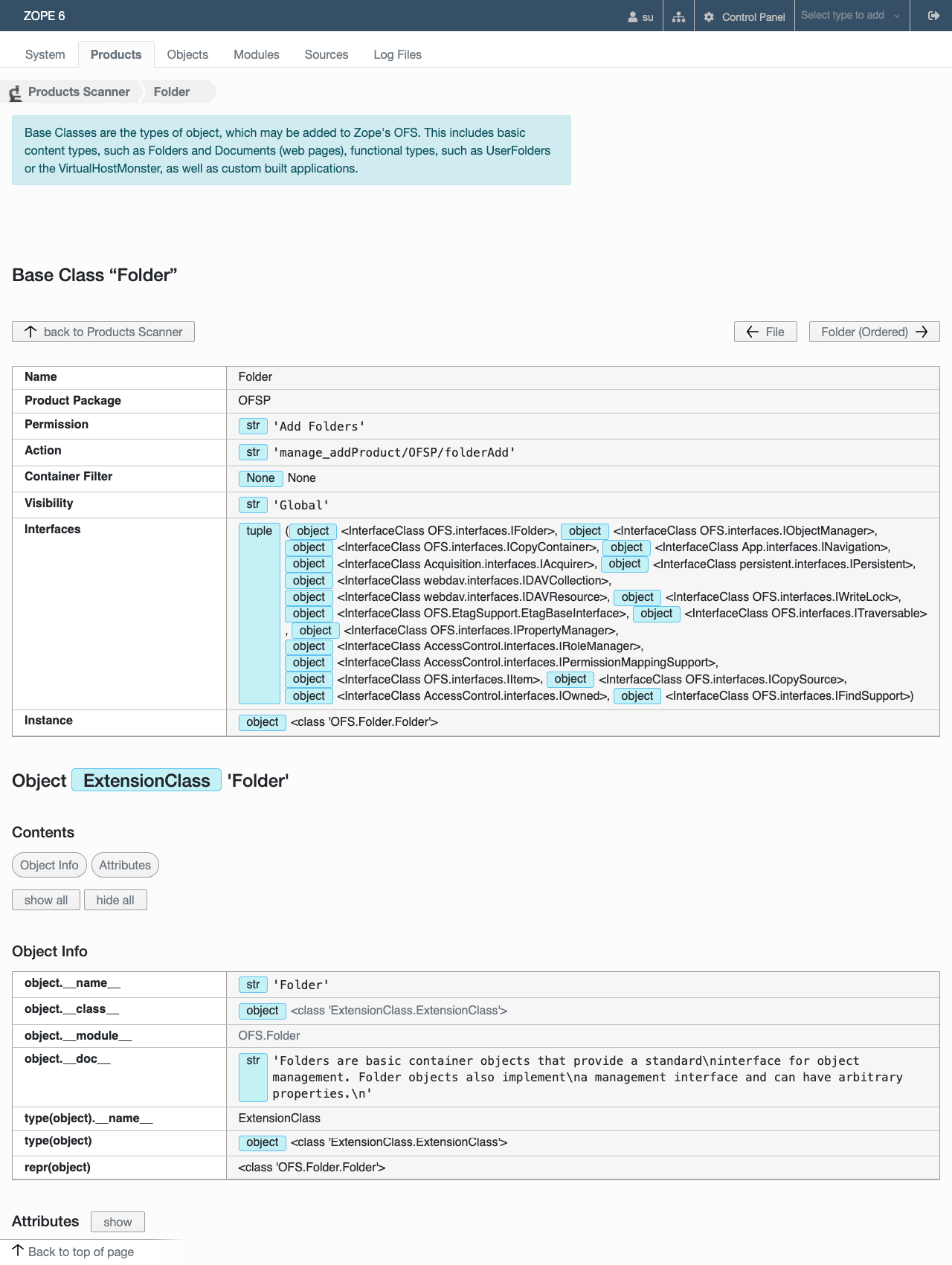
ZopeScanner
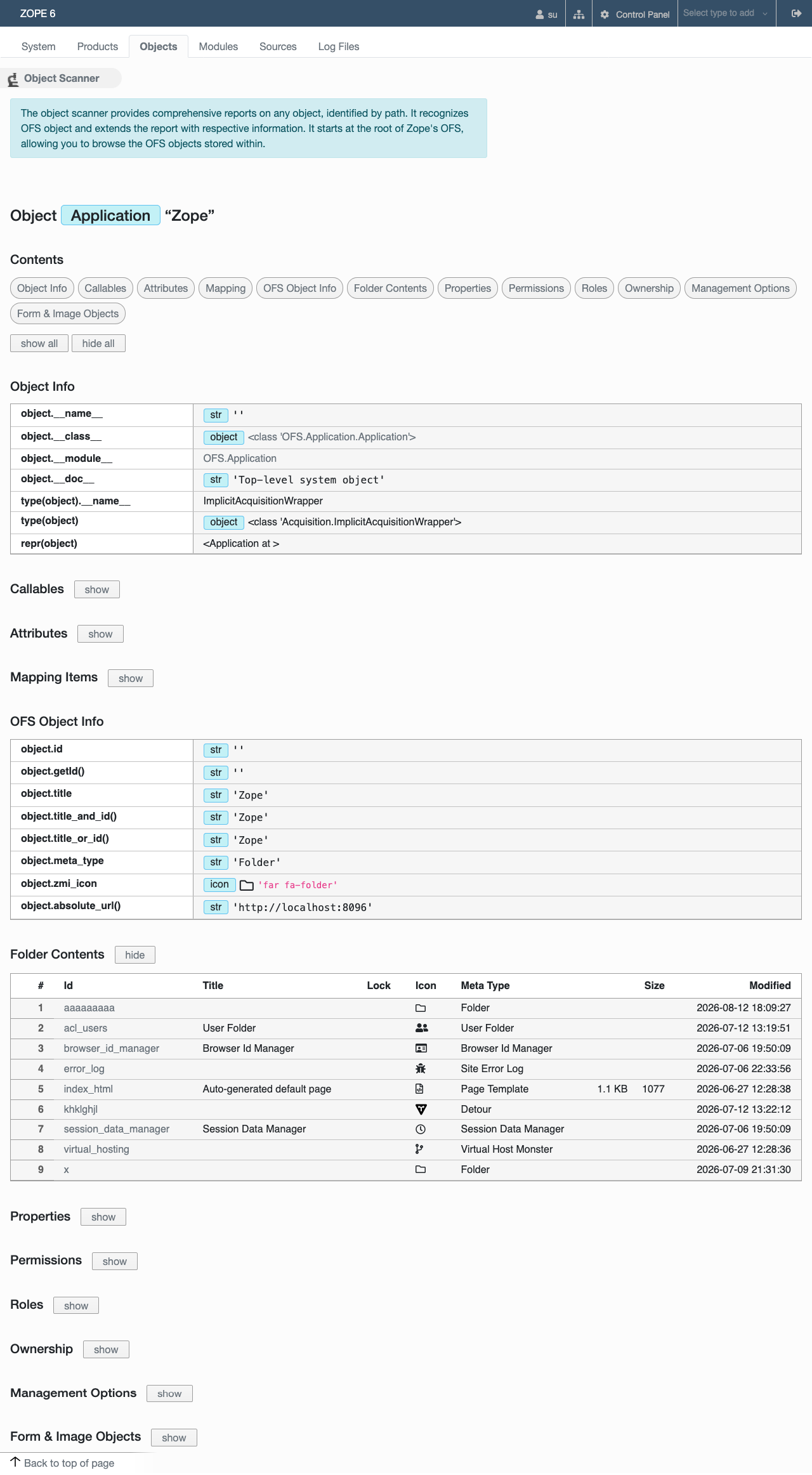
ZopeScanner is a tool that provides valuable assistance with maintenance, troubleshooting, development, research and much more. It allows you to take a detailed look inside all parts of the Zope server via an easy to use web interface. The ZopeScanner works seamlessly with all versions of Zope and Python.
Usage
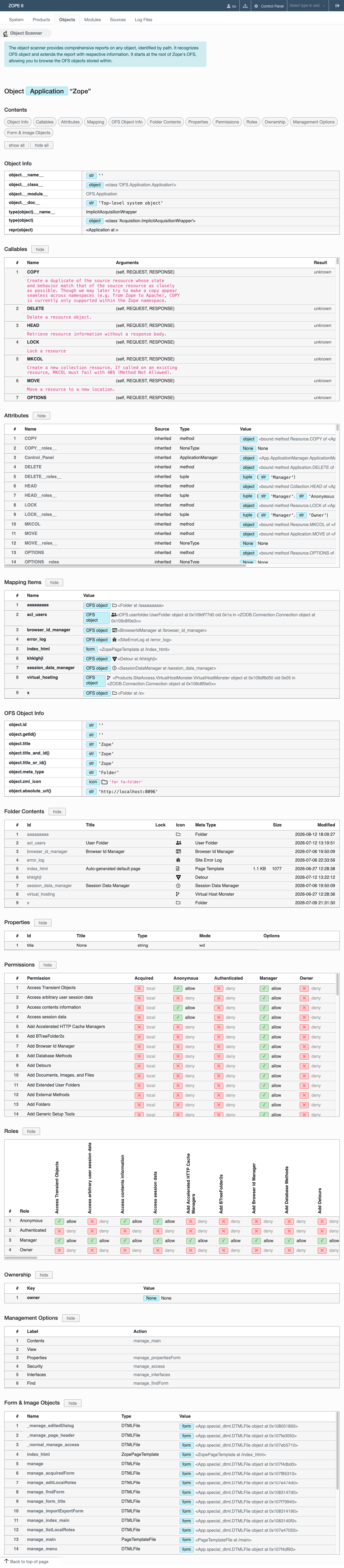
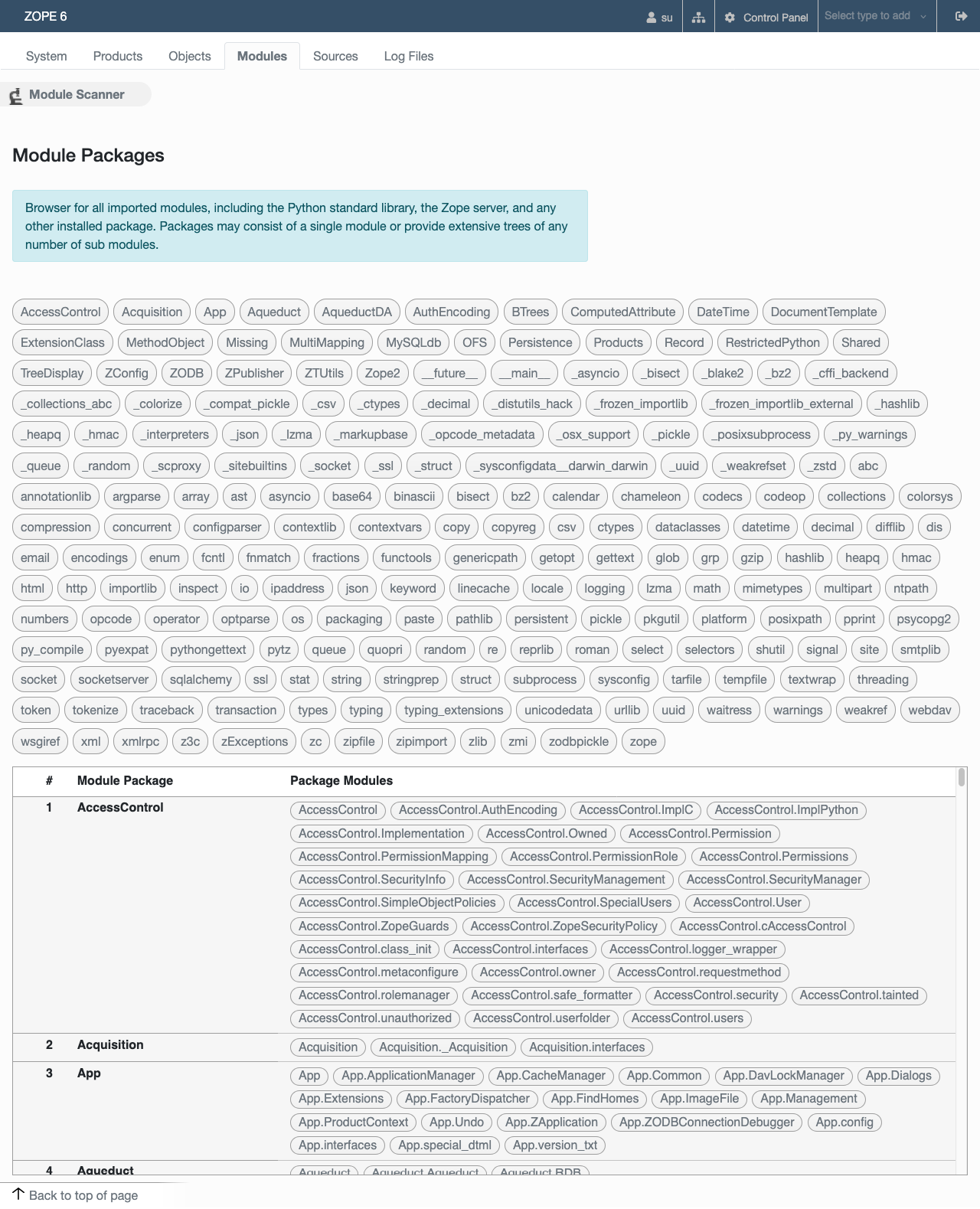
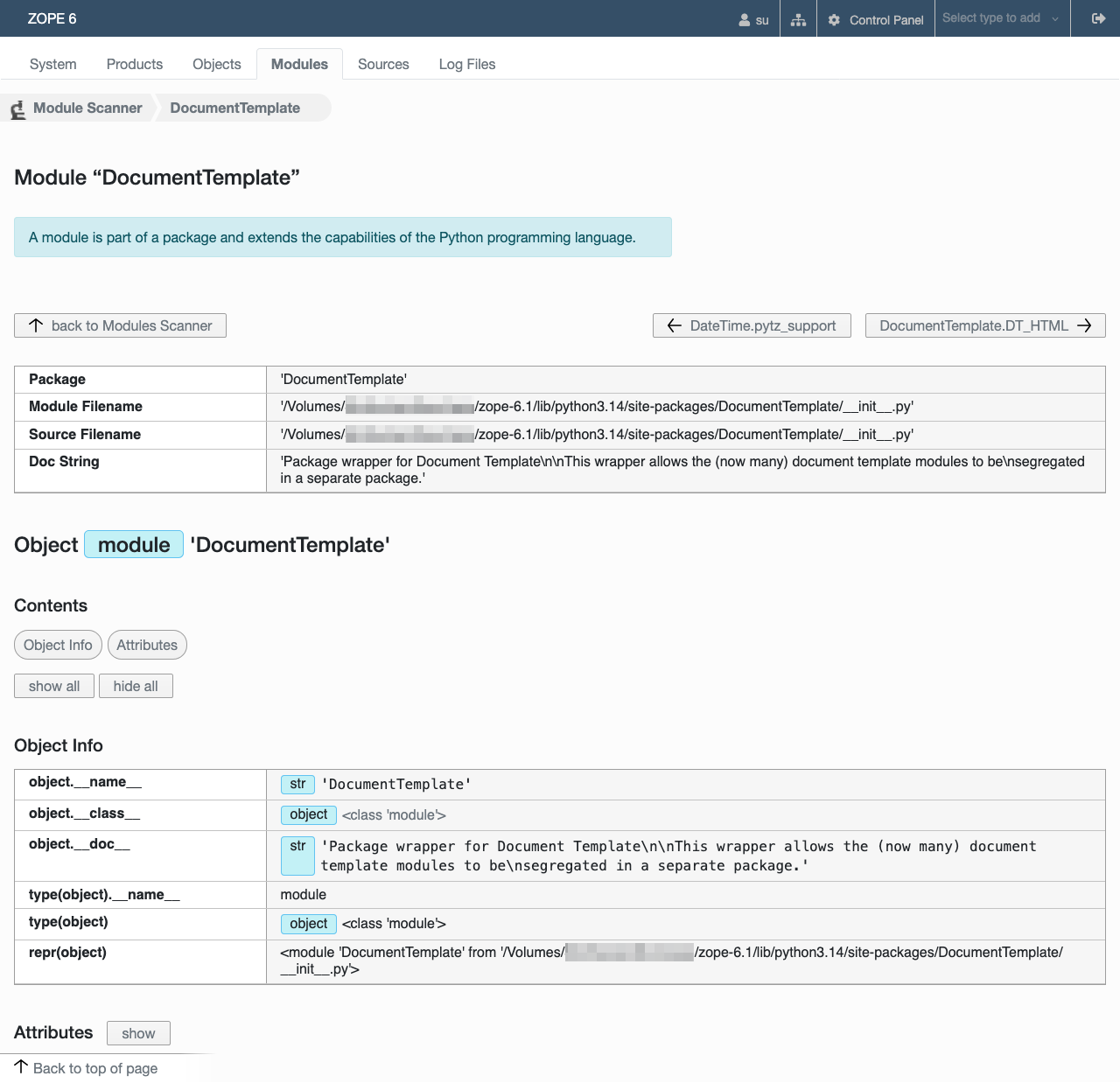
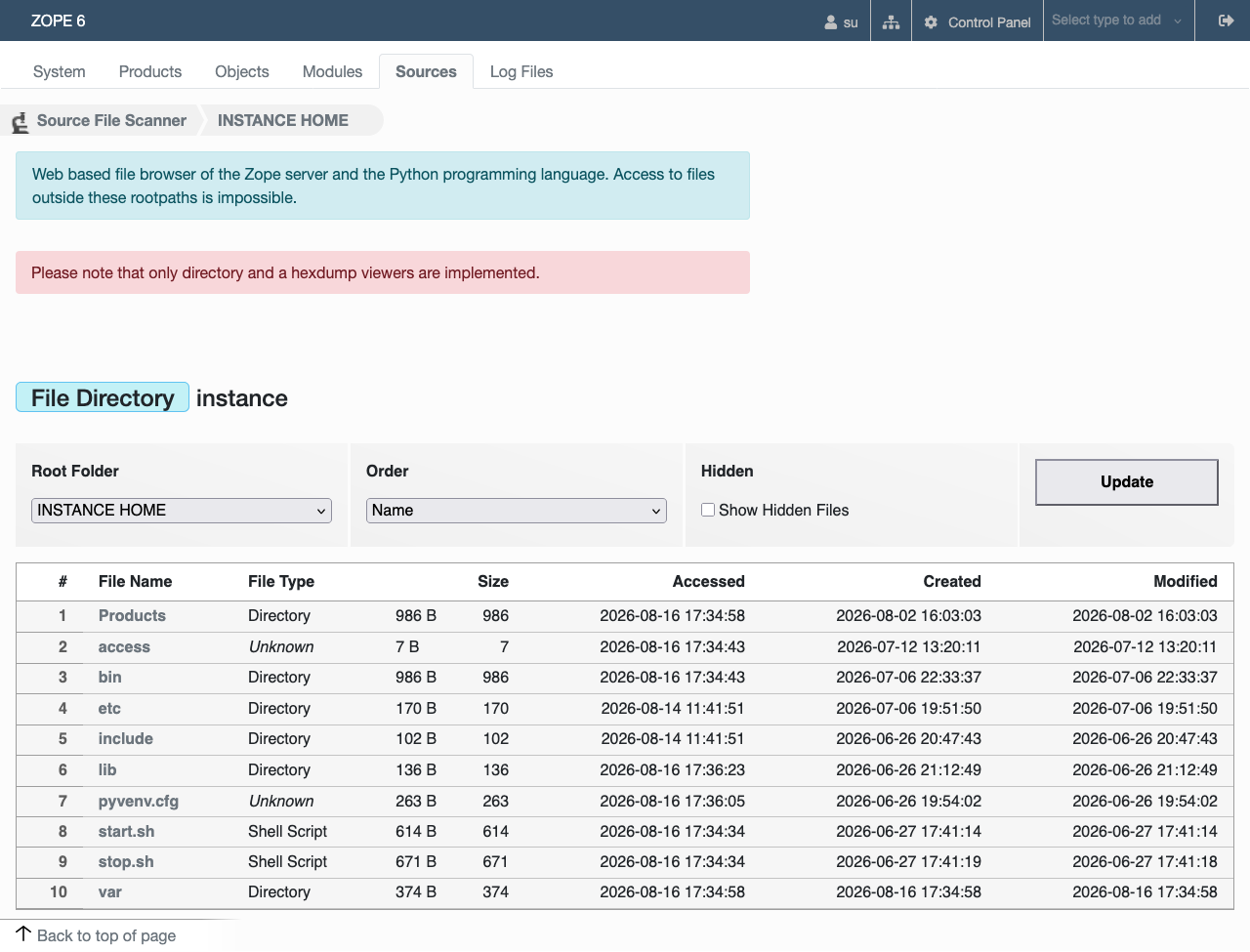
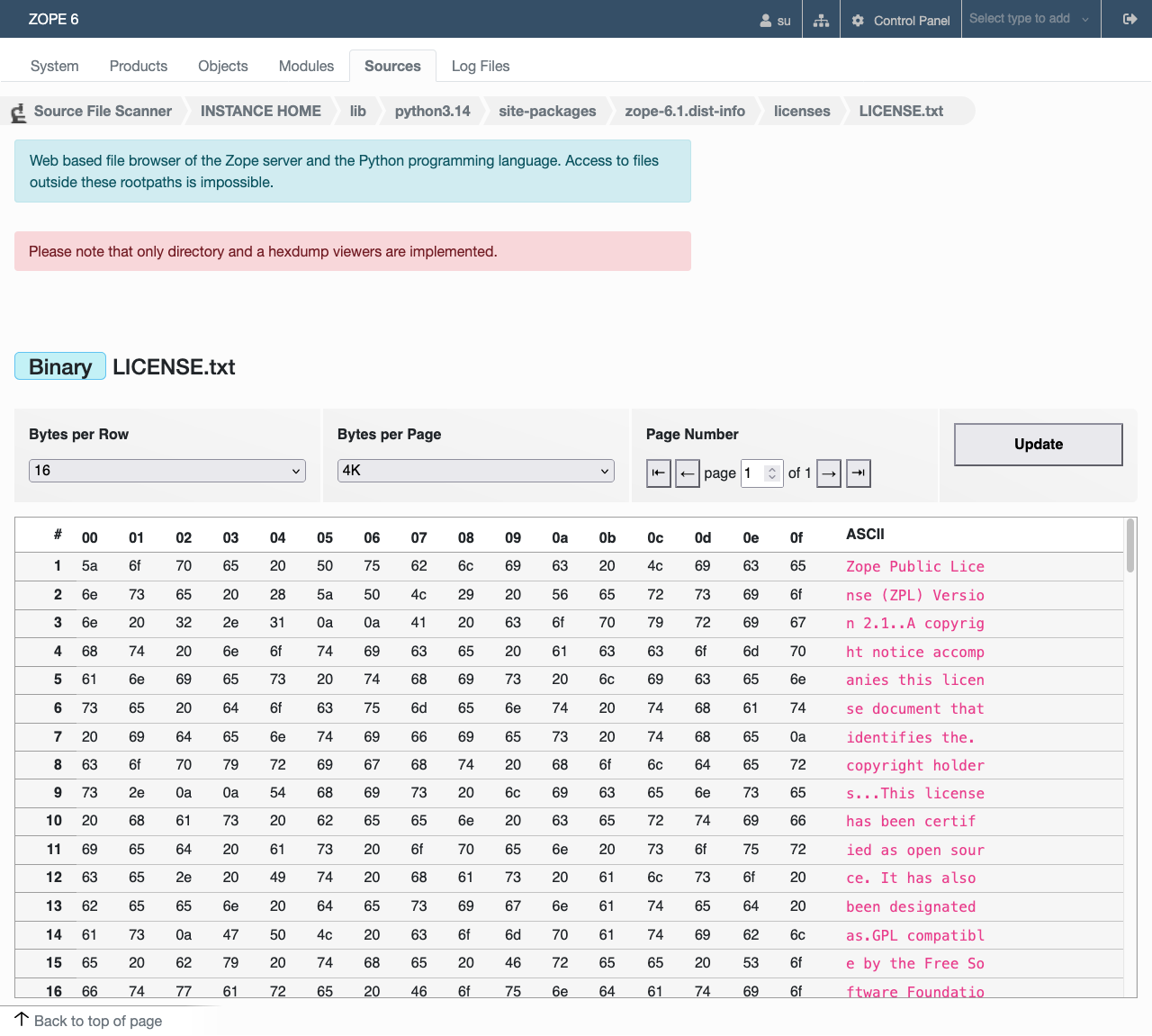
ZopeScanner is a tool for development, administration, forensics, troubleshooting, research and much more, which provides insights into the inner workings of the Zope server. It is extremely easy to use. Various entry points are provided, such as the directory tree or the server configuration. Links on these web forms allow you to access deeper-level objects. Each object is analysed in detail and the results presented in a structured manner.
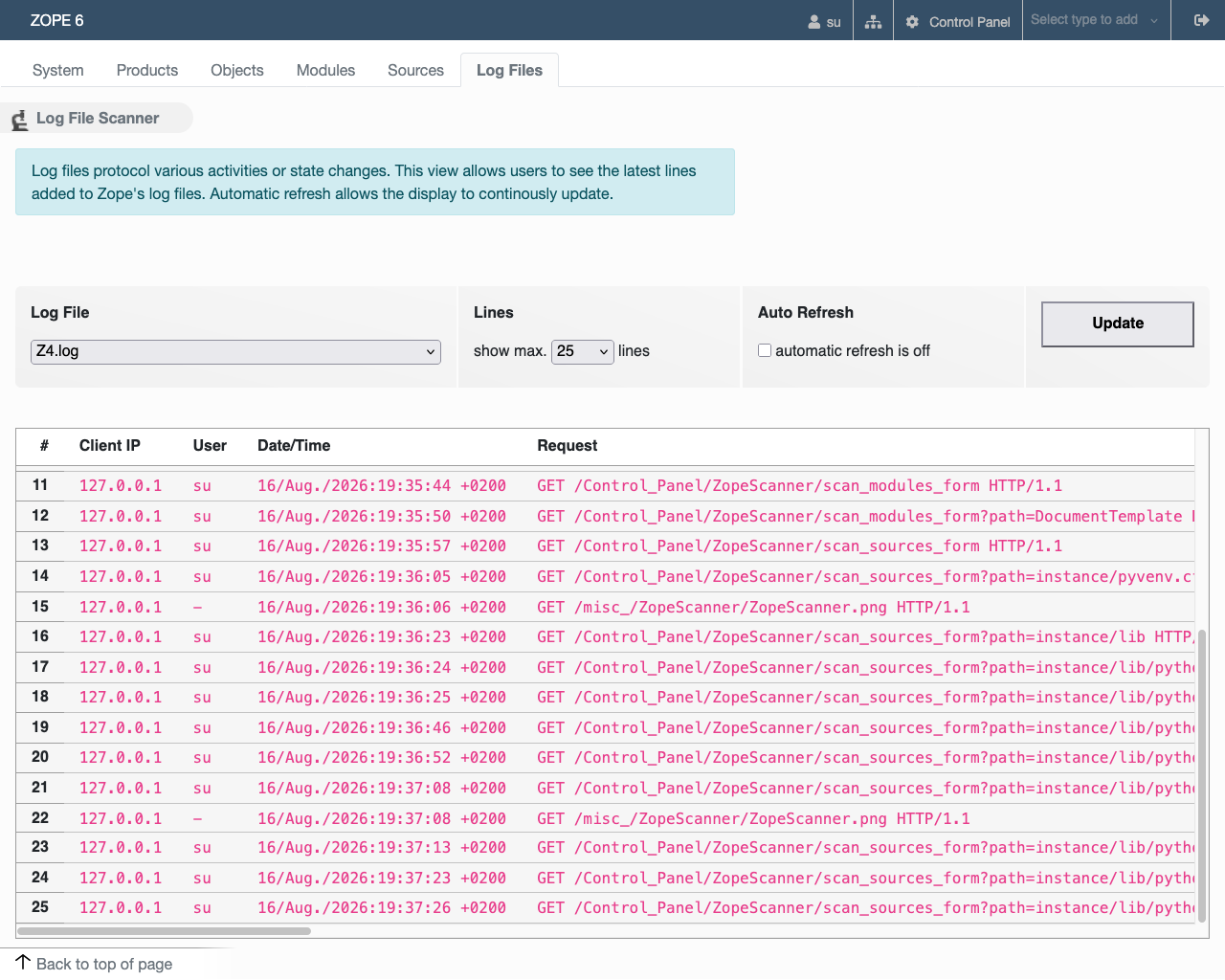
The software poses certain risks, as it allows access to otherwise hidden parts of the server. For this reason, great care is taken to ensure that it can only ever perform read-only access. Access is also restricted to the “Manager” role, i.e. the main administrator of the Zope server. ZopeScanner reports the administrator’s existence in the Zope server's log file.
Setup
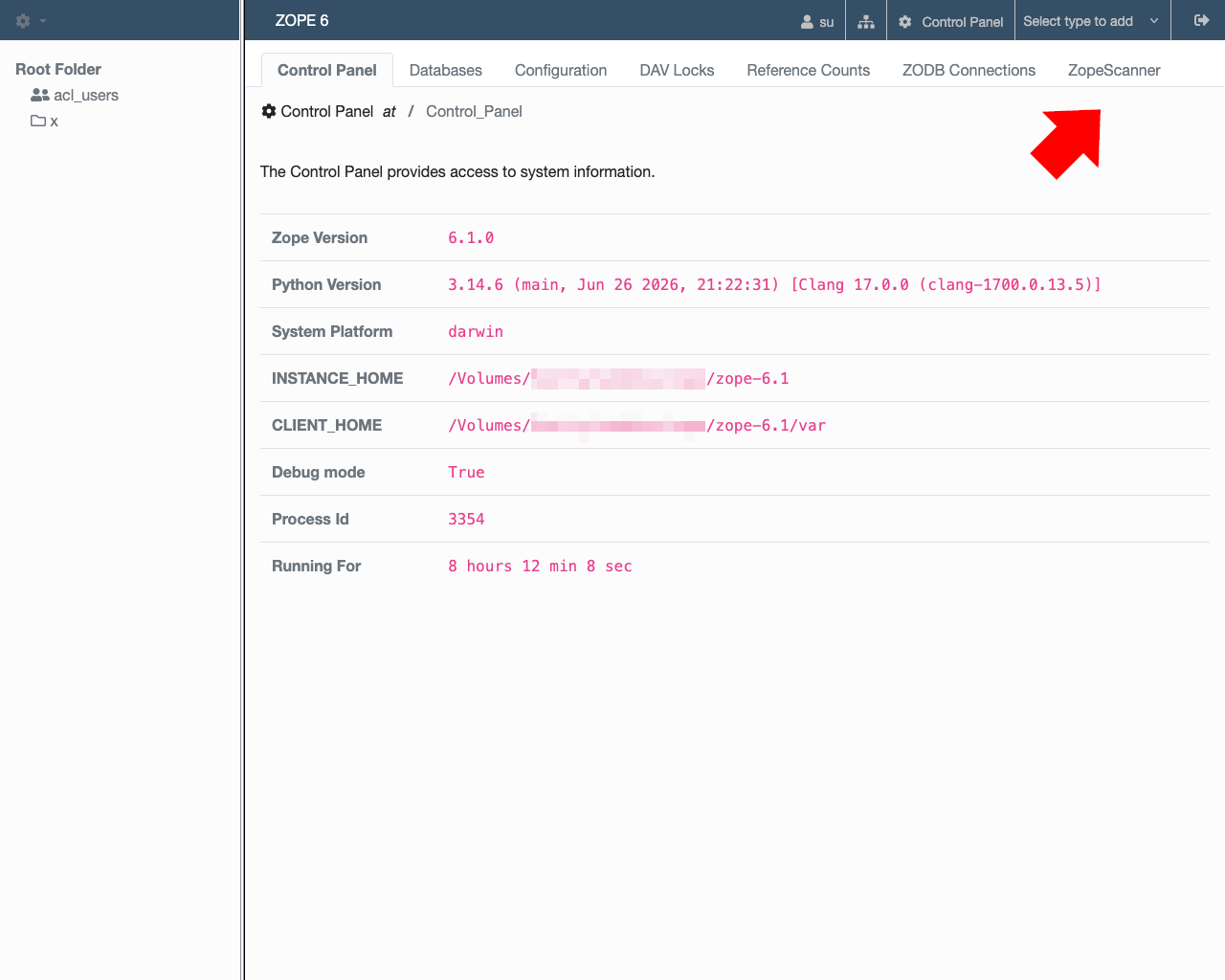
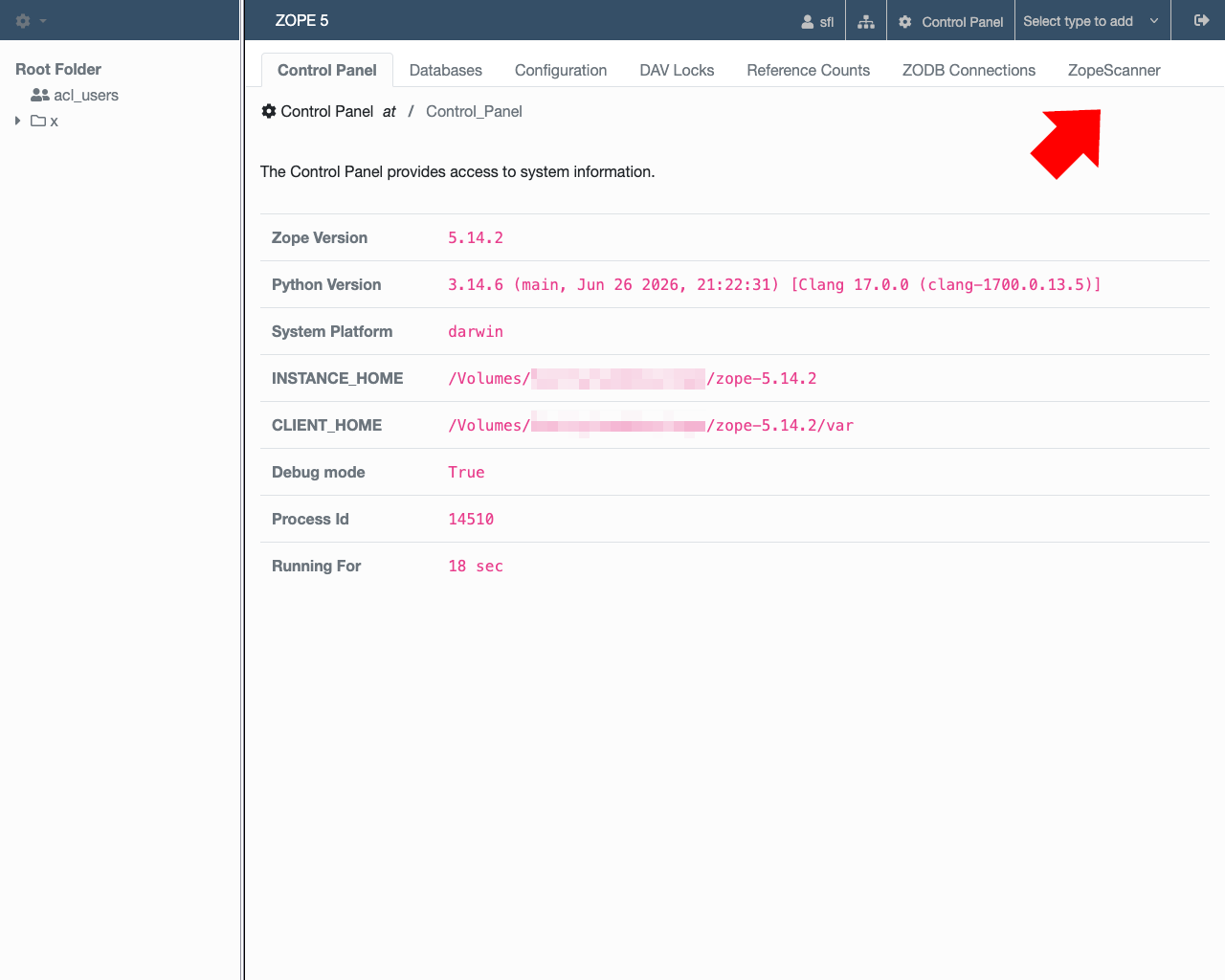
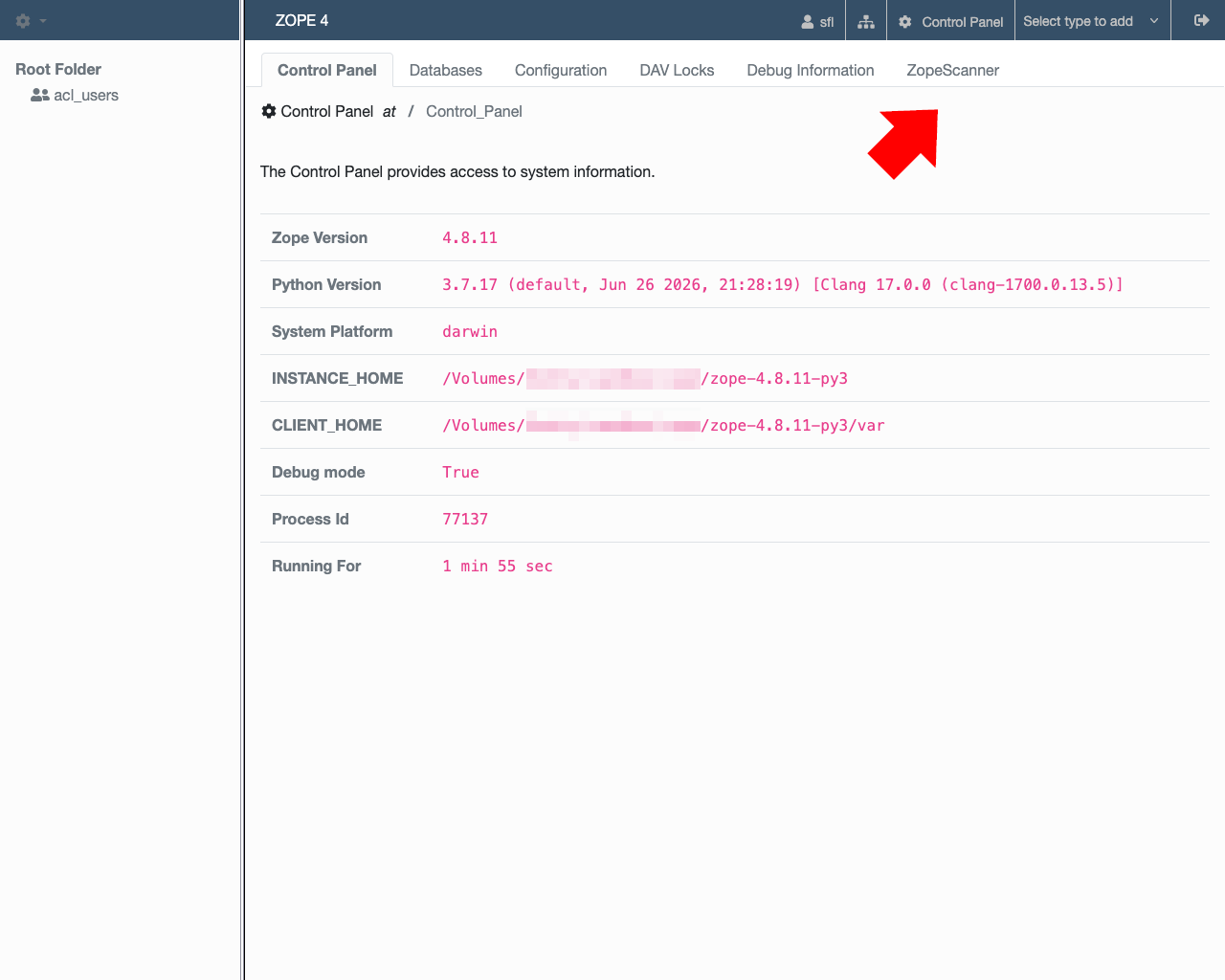
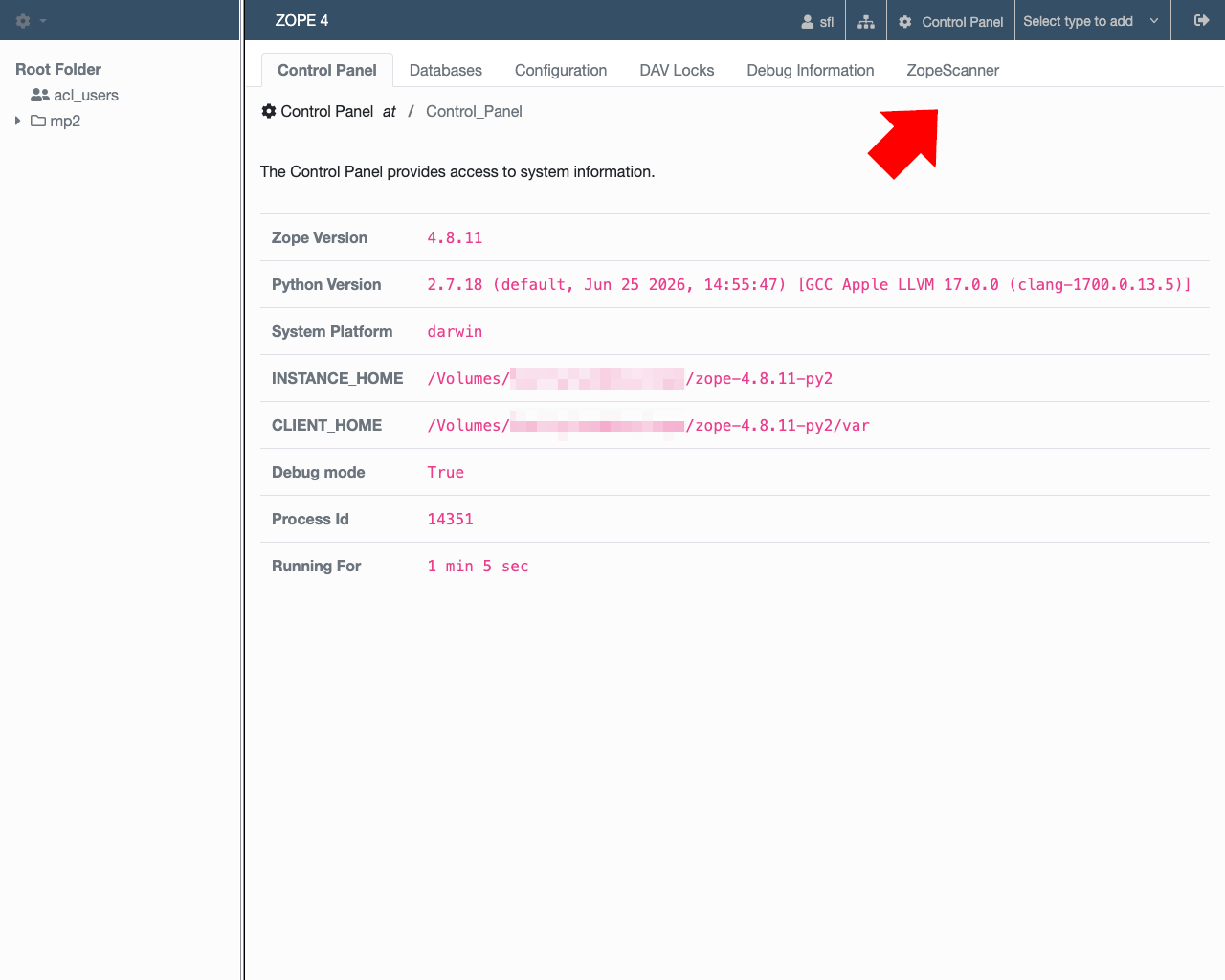
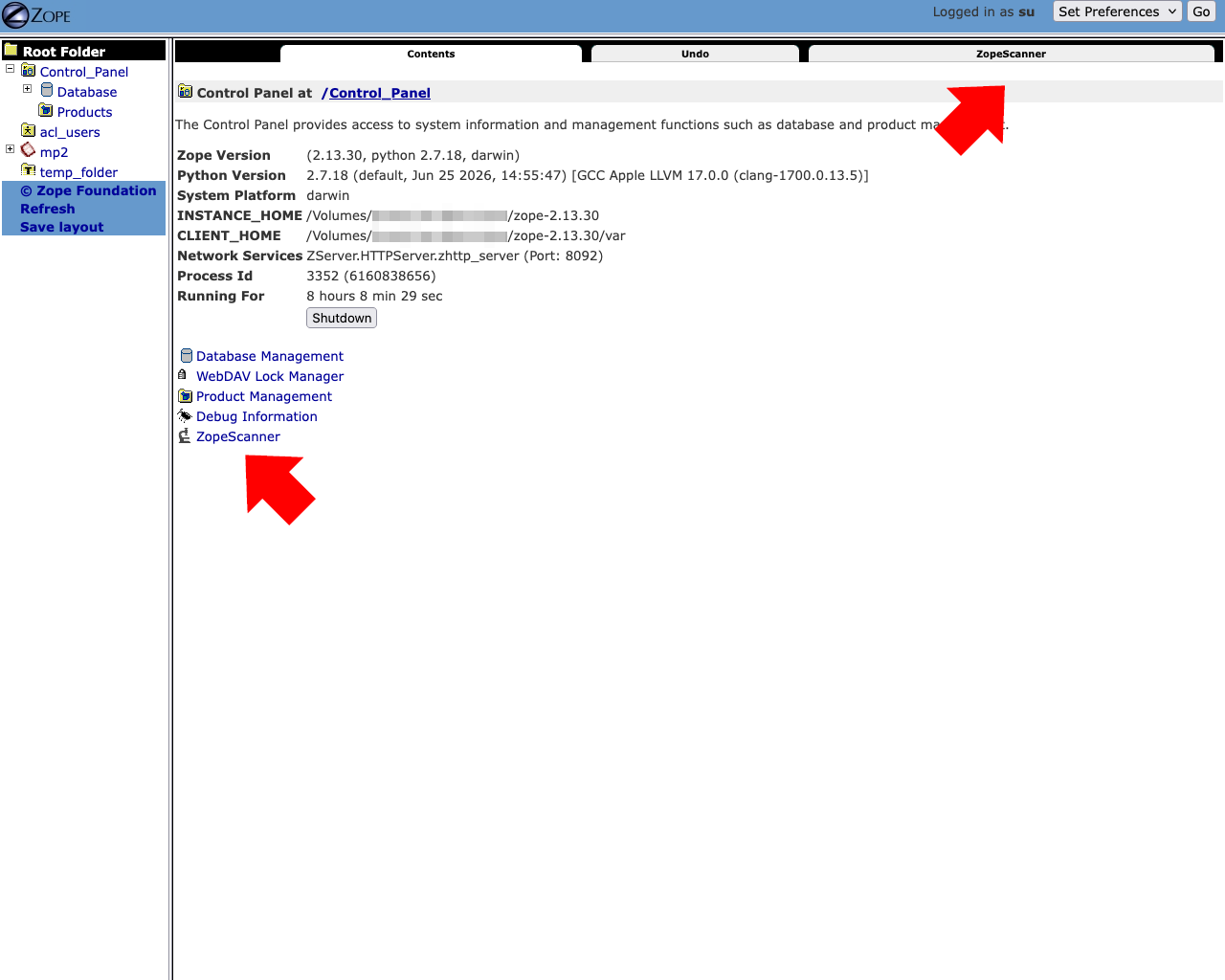
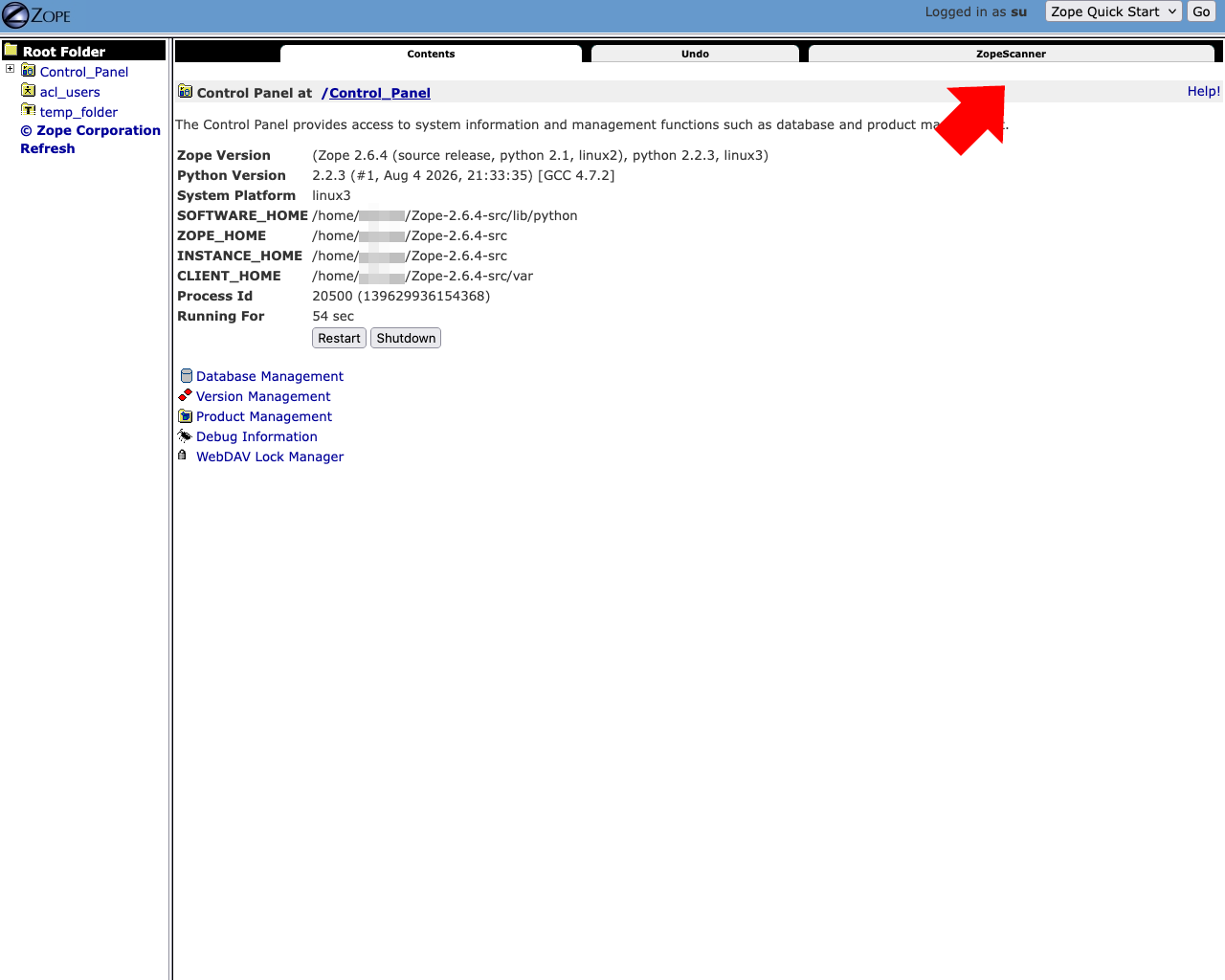
ZopeScanner is released as a Product – a standard extension for Zope – and installs itself automatically into the Control Panel. It can also be removed without leaving any traces. For security reasons, ZopeScanner logs its presence in the log file. Furthermore, all access is explicitly restricted to the ‘Manager’ role – the main administrator of the Zope server – and cannot be modified.
The ZopeScanner works seamlessly with all versions of Zope and Python. Where possible, newer features are incorporated, whilst traditional programming techniques ensure that the programme remains reliably available for all versions. The original compatibility with very early versions of Zope running on Python 1.5.2 on 32-bit operating systems is currently being reviewed. ZopeScanner only depends one the standard Python library and Zope components.
-
 Zope 6.1.0 (2026-04-22)Python 3.14.6
 -
 Zope 5.14.2 (2026-03-07)Python 3.14.6
 -
 Zope 4.8.11 (2023-10-04)Python 3.7.17
 -
 Zope 4.8.11 (2023-10-04)Python 2.7.18
 -
 Zope 2.13.30 (2020-02-14)Python 2.7.18
 -
 Zope 2.6.4 (2004-02-11)Python 2.2.3
Development
ZopeScanner is currently being revised and modernised to take full account of the latest developments in Zope and Python. The current version is therefore not yet an official release, but a preview. It is an alpha version, which means that bugs and unfinished features are to be expected. An official release on the Python Package Index is also pending.
Although the original version of the software worked almost seamlessly with the latest versions of Python and Zope, its age was evident in all sorts of ways. Revamping the outdated programming techniques and user interface required a great deal of care and insight in order to continue supporting older versions of Zope and Python.
Development
- !!! review try-except clauses
- !!! properly integrate bootstrap classes
- !!! improved usability, intuitivity, and features; links to an OFS object's ZMI - search/filter in tables/object trees
- !!! test with 32bit for shits & giggles
- !!! source browser with useful file viewers
The Scanners
The ZopeScanner provides six different entry points from which users can descend deeper into the details of the Zope server. These six entry points are “System”, “Products”, “Objects”, “Modules”, “Sources”, and “Log Files”. From there links lead to other layers of the systems, primarily utilizing the Object Scanner.